
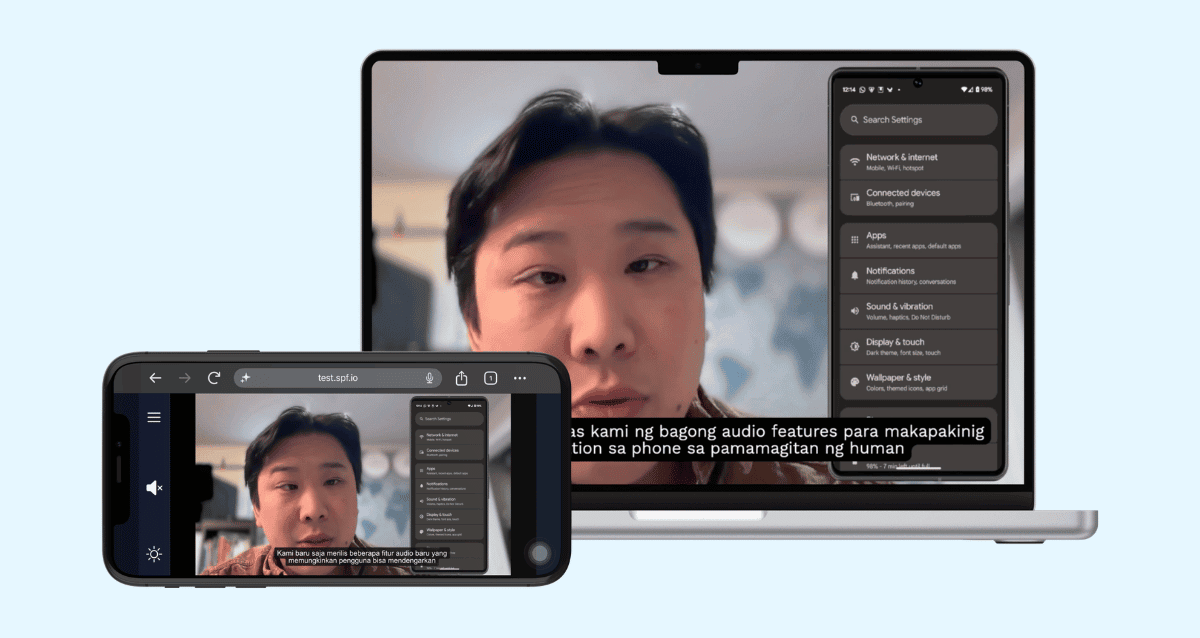
With multilingual video playback in spf.io, you can add different language versions of a video to your translated slides. When you reach the video slide, audience members can watch the version for their selected language through their Audience View.
For example, during a multilingual training, English-speaking employees can watch the English video while Spanish-speaking employees watch the Spanish version and Korean-speaking employees watch the Korean version—all as part of the same presentation.
What Multilingual Video Playback Makes Possible
- Every viewer can watch in their own language. Add the appropriate dubbed or subtitled video to each translated deck so audience members can watch the same content in the language they understand best. This is especially useful for multilingual training, onboarding, and compliance programs where everyone needs to understand the material.
- Videos play in the flow of the presentation. A video behaves like another slide in your deck. Place it where it belongs and advance to it during your presentation instead of switching applications or manually cueing separate video files.
- Upload once, reuse across presentations. Videos come from your spf.io media library, so training videos, onboarding content, or instructional videos can be imported into as many decks as you need.
Read this guide on how to add videos to your slides.
Bring Multilingual Video into Your Presentations
Whether you’re delivering multilingual training, onboarding employees, hosting an international conference, teaching a multilingual classroom, or presenting to a diverse community, multilingual video playback helps you present once while giving each audience member access to content in their language.