
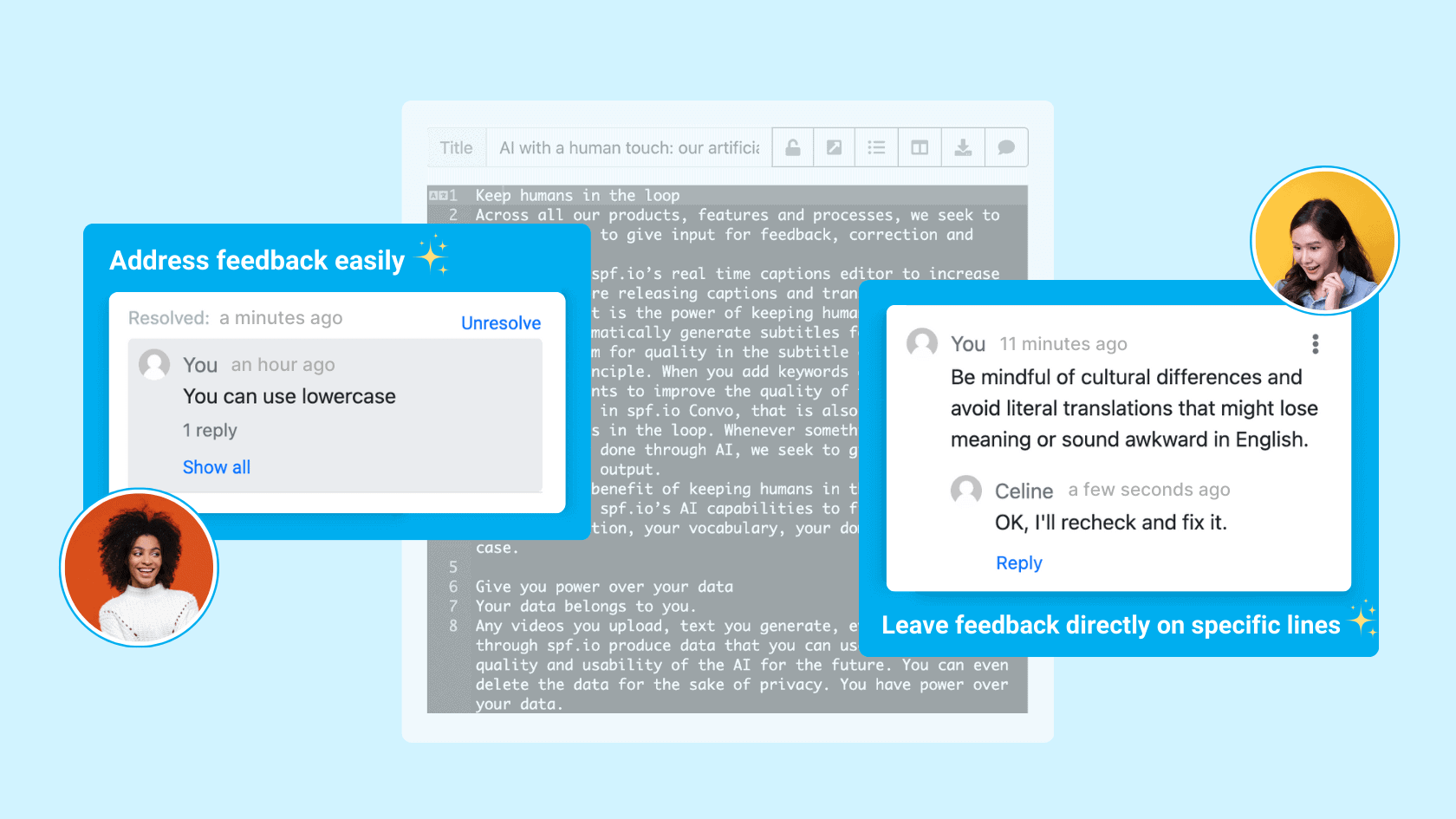
Translating books or articles, even with the help of AI, still requires editors to review and ensure high-quality work. This process can be frustrating when feedback and changes are scattered across multiple emails and files.
What if there was an easier way to communicate suggestions between team members?
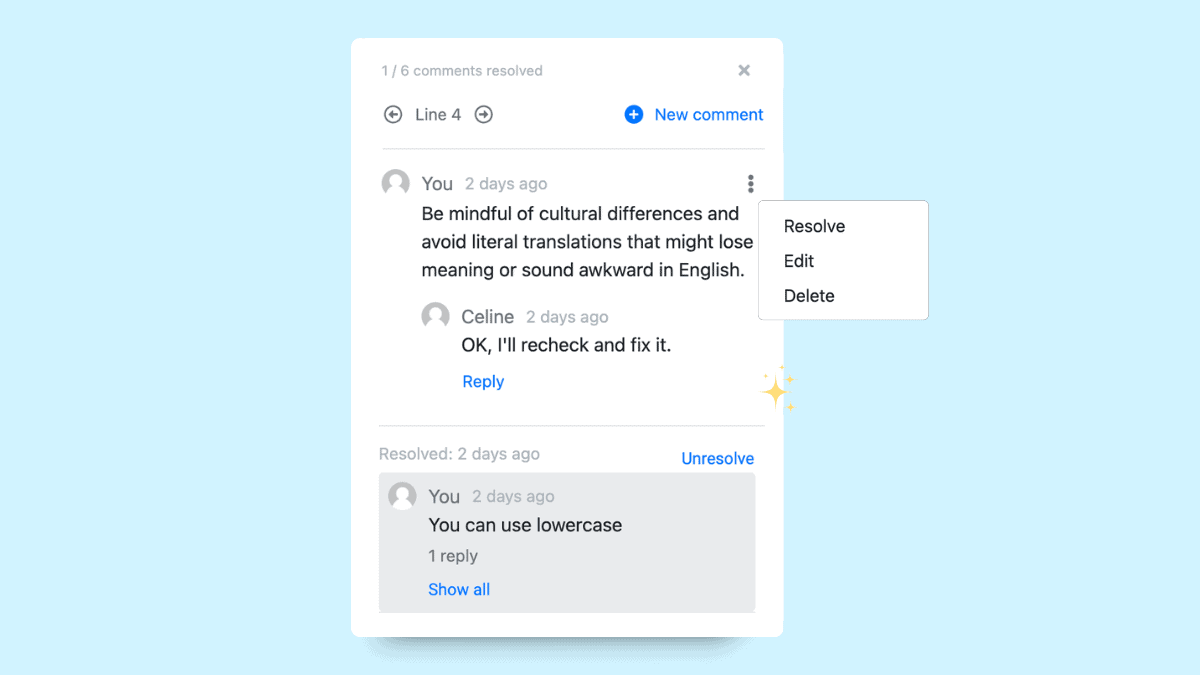
With the new comment feature in spf.io’s Document Translation Portal (DTP), you can leave feedback directly on specific lines in the translation document. Your translation team can see the comment threads in one place, making it easy to collaborate, address feedback, and implement suggestions efficiently.
Benefits of the document comment feature
- Real-time feedback: Add comments directly to any line in real time, ensuring clear and actionable feedback.
- Streamlined collaboration: Translators and reviewers can reply to the comments inline and refine the translation seamlessly within the document editor.
- Enhanced efficiency: Centralize all communication in one place to save time and eliminate the need to juggle emails and files.
How it works
Step 1: Go to your document and view the translation. Then click the comment button.
Step 2: Put your cursor on a specific line you want to comment on. Click the ‘New comment’ button, input your text and click Add.
Aside from adding comments, you can also:
- Reply and resolve your own or other members’ comments.
- Edit or delete your own comments.
- Re-open resolved comments if needed.
- Quickly jump between comments so you can focus on what needs to be fixed.
The addition of this tool in DTP can help optimize your team’s performance to produce high-quality document translations efficiently.