
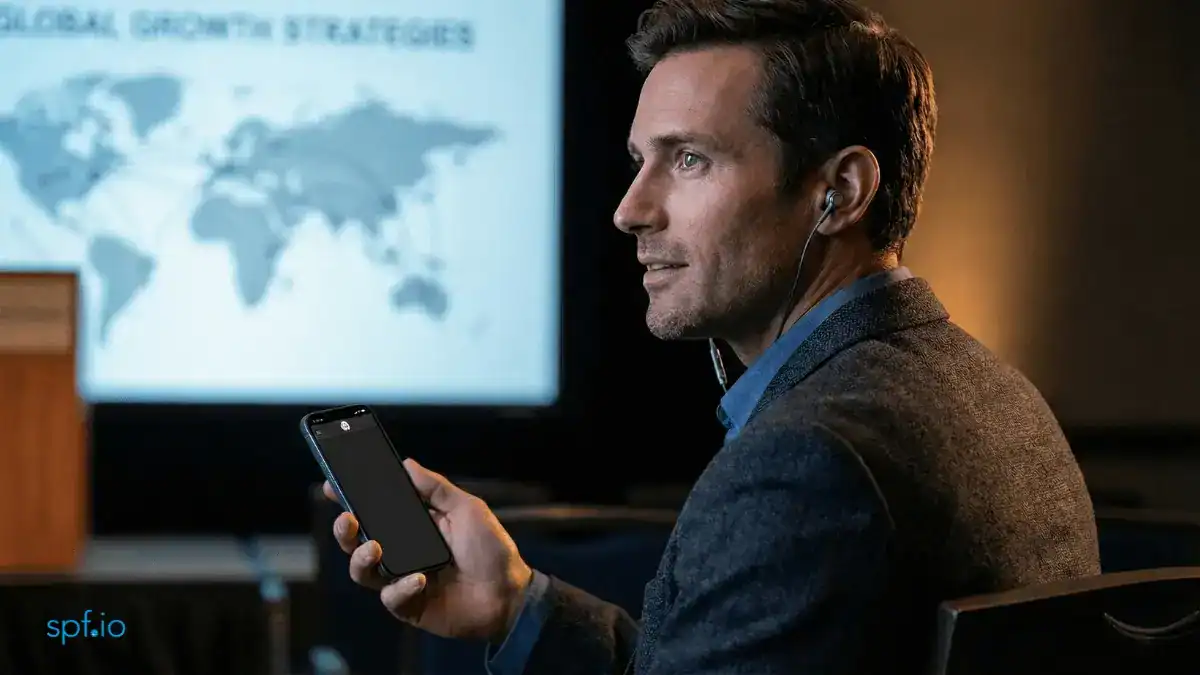
In corporate events and high-stakes strategy summits, there is a critical tension: you need multilingual accessibility for your global team, but you cannot risk sensitive data leaving the room. While standard AI text translation addresses the language barrier, it creates vulnerabilities in confidential settings—unauthorized access and the risk of screenshots.
If a meeting link is forwarded to the wrong person, or if sensitive financial projections appear on audience screens, an. unintended data leak can occur. At spf.io, we seek to mitigate these risks with several features.
Keep Content Private, Make The Message Global
You can host fully multilingual sessions—supported by both Cloud Text-to-Speech (AI) and Audio Live Streaming (Human Interpreters)—while ensuring that your content remains strictly for invited ears only.
Here is how we help safeguard your event:
Unique Access Codes
We provide a session access code system to ensure that possession of a link isn’t enough to join your translation stream. For every session, the system generates a unique, specific access code. Audiences must input this exact code to enter the translation platform.
- Authorized Entry Only: Even if your event link is accidentally shared externally, the stream remains locked. Only users who possess the specific code shared by the organizer can unlock and read translation/listen to the interpretation.

Audio-Only Interpretation
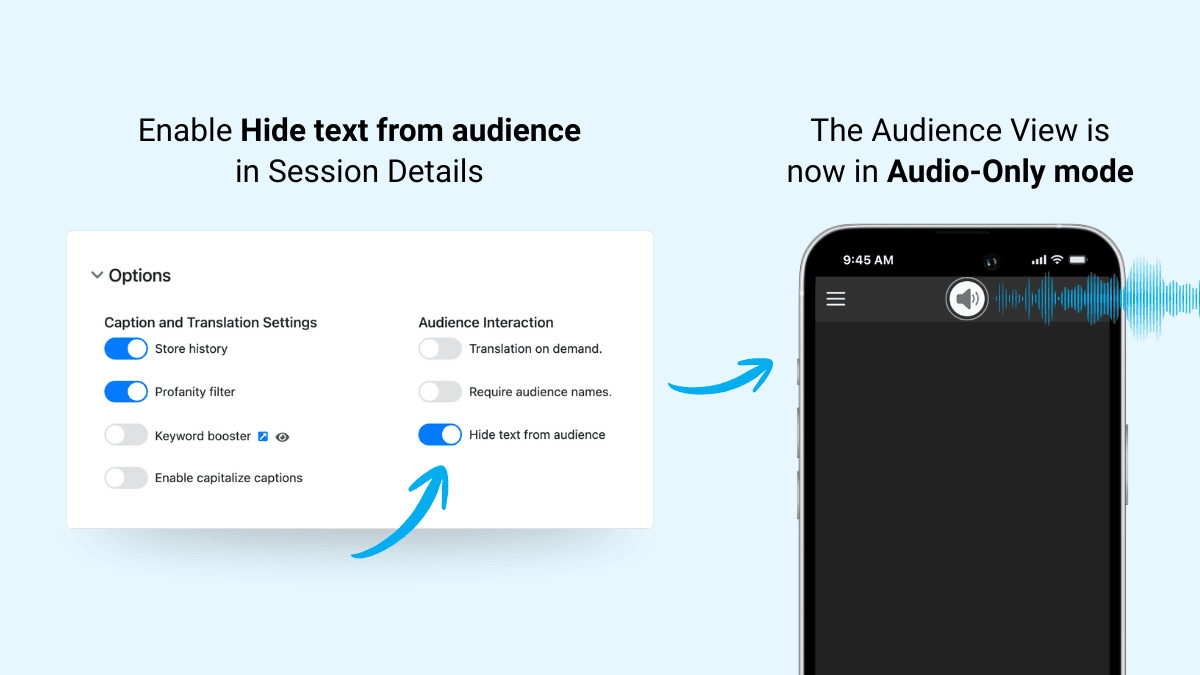
By enabling Audio-Only Mode, you can eliminate the risk of screenshots entirely.
- No Text, No Risk: Audiences listen to real-time interpretation via their smartphones, but no sensitive text data ever appears on their screens to be captured or copied.
- Eyes Up, Ears Open: This also solves the “distracted audience” problem. By removing the scrolling text, you encourage audiences to focus on the speaker and the presentation slides, mimicking the experience of traditional headset interpretation.
Zero-Trace Sessions
For confidentiality, spf.io allows you to configure specific sessions to disable history storage completely.
- No Digital Footprint: This ensures that once your event concludes, no transcripts are retained on our servers and your audience cannot access it after the fact. Your confidential discussions serve their momentary purpose and then vanish without a trace.
Real-World Applications: Designed for Scale & Privacy
- Global Town Halls: Announcing strategic plans where leaks could impact stock prices.
- Confidential Trainings: Delivering proprietary tech workshops where course materials are strictly confidential.
- Product Roadmap Reveals: Briefing large sales teams on features that won’t be public for months.
- Crisis Management Briefings: Communicating delicate situations where wording must not be taken out of context.
At spf.io, we believe you shouldn’t have to choose between accessibility and privacy.