Sep 28, 2020 | Documentation, How-to
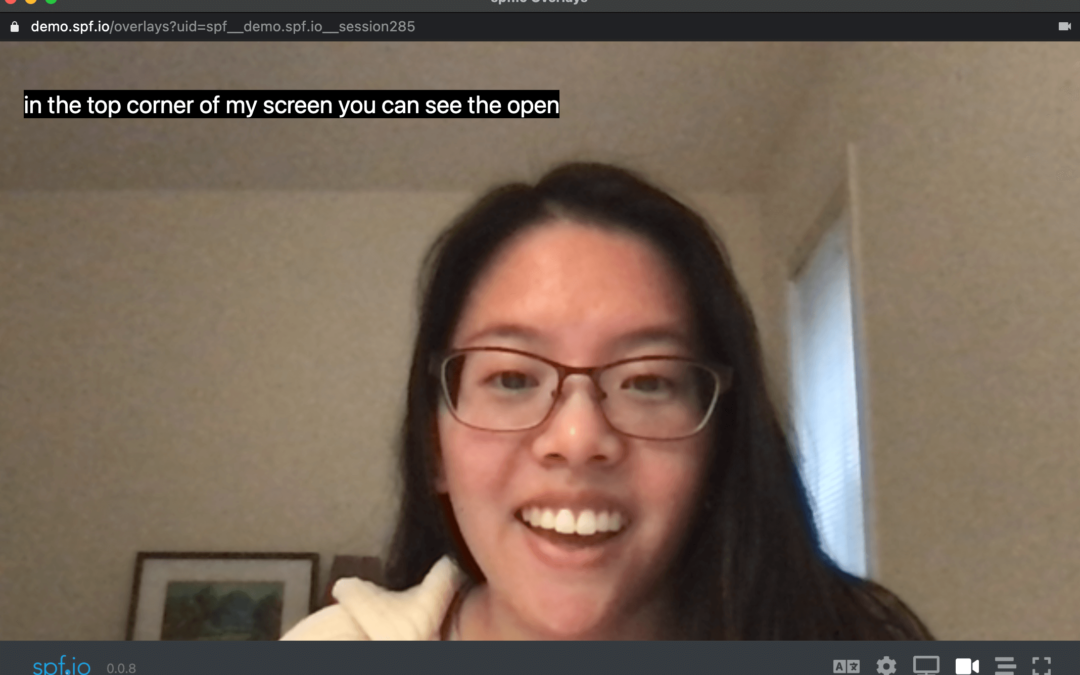
1. Click on the layers icon to open up spf.io Overlays for your session. This will open a separate window. 2. Select your language channel, or the language you wish to display. 2. Click on the video camera icon in the lower right to start the camera (you may need to...

Sep 21, 2020 | Documentation, How-to
How to Create & Translate Captions and Subtitle Files for Video and Audio (AVCS) Updated January 23, 2025 When you have videos or audio files like podcasts, spf.io can help you make them accessible by generating transcripts or captions, and even translating them...

Sep 1, 2020 | Documentation, How-to
Updated: March 10, 2023 With resiliency in mind, spf.io gives you multiple options for ensuring accessibility of your next event: the Audience View, Open Captioning with spf.io Overlays, or the Zoom caption API token. There are some trade-offs to consider. We have...
Aug 31, 2020 | Documentation, How-to
With autopilot, spf.io automatically detects for pauses in speech before sending out raw captioning/translation after each pause. However, you may prefer for the text to be sent out sooner and in smaller utterances. Now, you can tune this to your needs with the...
Jul 23, 2020 | Documentation, How-to
This video explains how to setup spf.io for auto-caption + translation. We also discuss how to integrate with Zoom to make calls accessible and available in other languages. Additional Resources: Setup Autopilot Max Wait Time (to reduce delay) Zoom integration...
