Jan 14, 2025 | Dashboard, Documentation, How-to
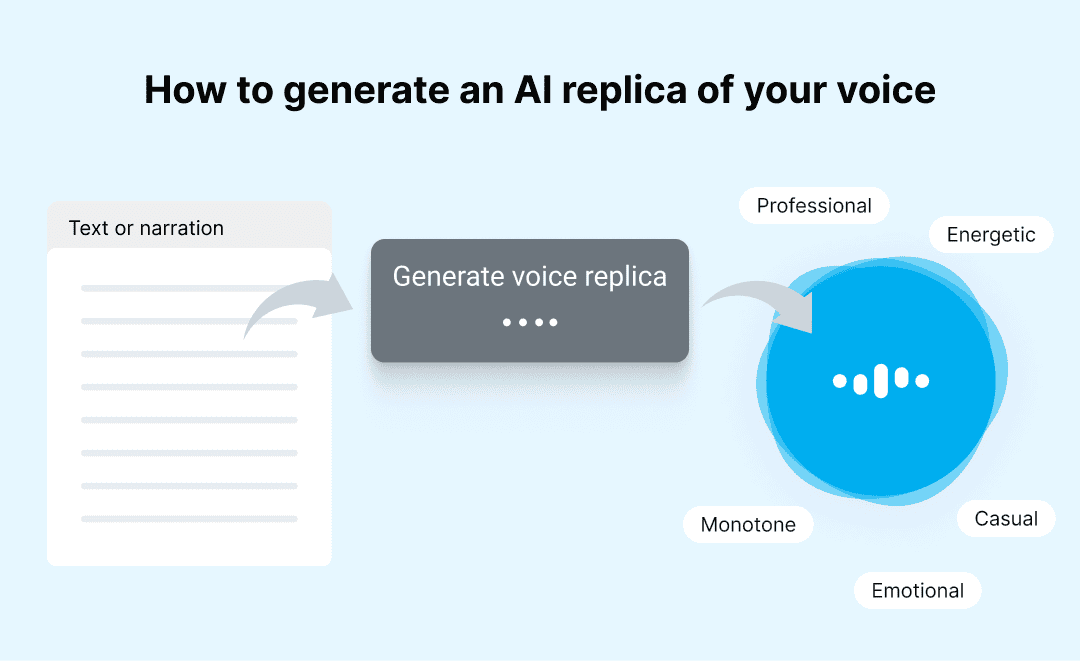
How to generate an AI replica of your voice Recording scripted audio content can be draining as you speak over and over again to correct mistakes and convey the right emotion, tone and words. With spf.io’s AI voice replication software, you can produce a...

Nov 22, 2024 | Dashboard, Documentation, How-to
How to release your document as interactive rich text captions You can release your documents as interactive rich text captions—complete with headings and bold or italic text. This ensures your captions and translations are more readable and engaging to your audience....
Nov 15, 2024 | Dashboard, Documentation, How-to
How to enable access control for polls In many meetings, only specific individuals have voting rights, while others attend as observers. To streamline decision-making and keep poll results accurate, we’ve developed access control for Multilingual Polls. This feature...
Oct 9, 2024 | Dashboard, Documentation, How-to
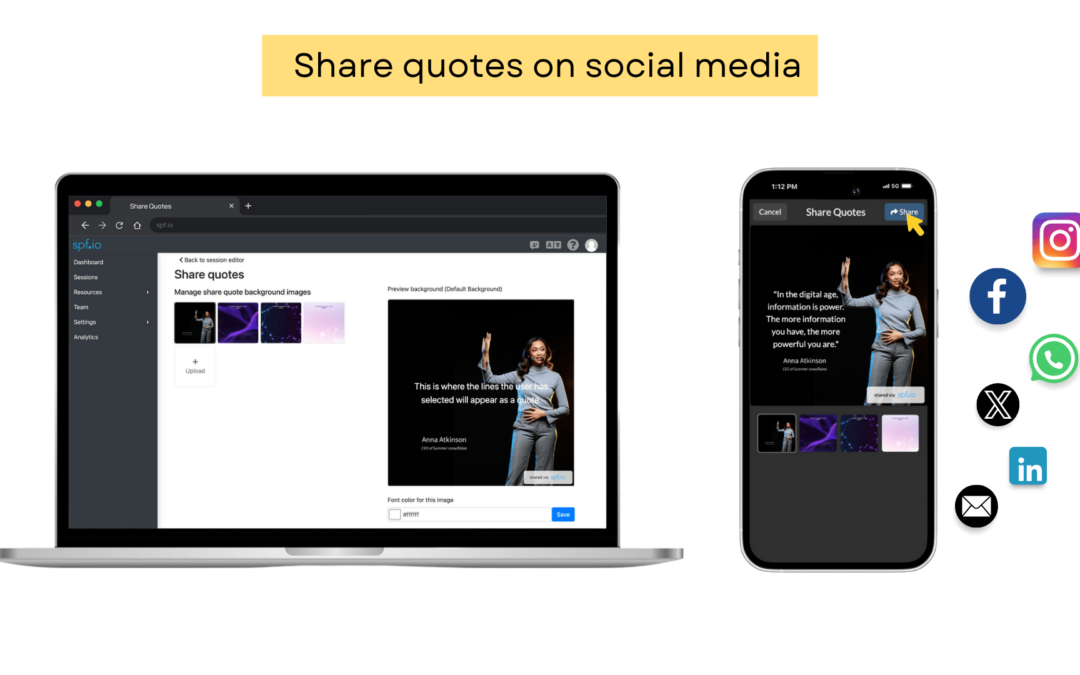
How to share a quote on social media using spf.io’s Social Sharing feature Spf.io’s social sharing feature empowers your audience to share memorable quotes from your event in their preferred language, directly to their social media. They can share the quotes publicly...

Oct 3, 2024 | Dashboard, Documentation, How-to
Q: How Do I Manage Pinned Sessions and Share a Stable QR Code? Answer: If you host recurring events like weekly services, classes, or regular meetings, you know how tedious it can be to update the QR codes and links in your presentation slides, printed posters, or...

May 29, 2024 | Dashboard, Documentation, How-to
How to use Cloud Text-to-Speech in your session Updated January 13, 2025 Follow the steps below to use this feature: 1️⃣ How to set up Cloud TTS for your session. 2️⃣ How the audience enables Cloud TTS. Cloud Text-to-Speech (TTS) enables audiences to listen to...
